Tax Office Cybersecurity: A Practical Guide to IRS Publication 4557
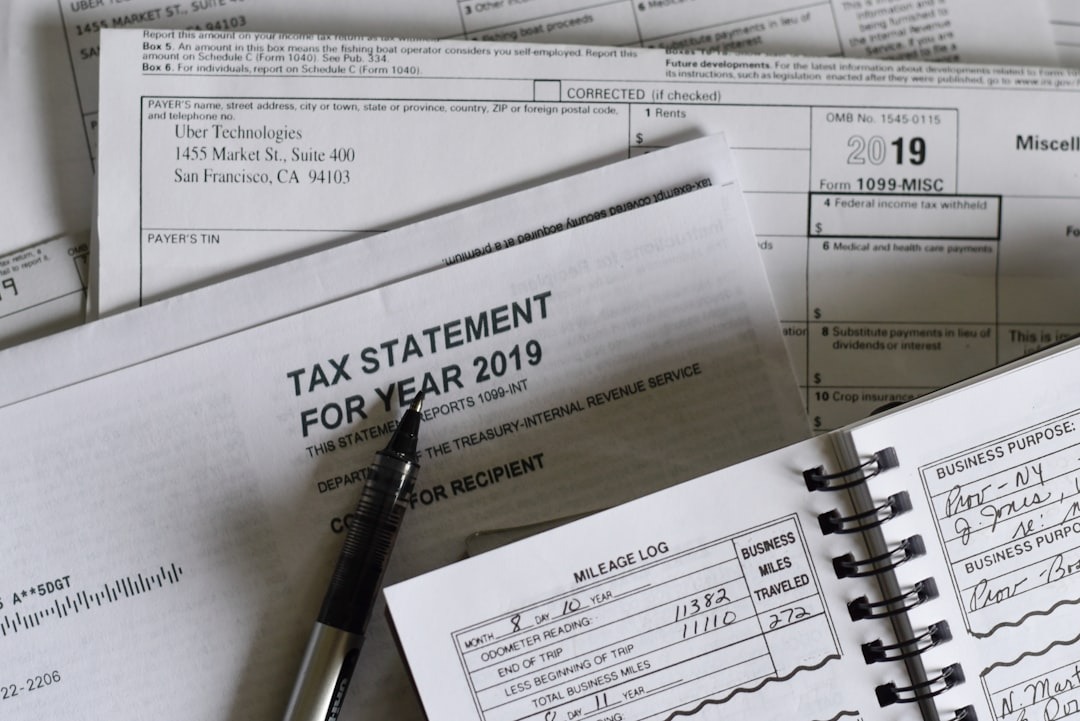
Tax preparation and accounting offices sit on some of the most sensitive personal data that exists: Social Security numbers, bank account and routing numbers, income history, and dependents’ information for every client who walks through the door. That combination, paired with the limited in-house IT support many small offices operate with, makes tax offices an especially attractive target for cybercriminals. The IRS addresses this directly in Publication 4557, Safeguarding Taxpayer Data, which explains what paid tax return preparers are expected to do to protect client information. This guide covers why tax offices get targeted, what a written information security plan should cover, the technical safeguards worth prioritizing, and a checklist for spotting gaps in your own office.
Why Tax and Accounting Offices Are a Target
A single client file can contain everything an identity thief needs: Social Security number, date of birth, address, employer, and bank details. That makes tax office systems far more valuable to attackers than the typical small business network. Filing season adds risk on top of that — offices are busy, staff may include seasonal preparers, and everyone is used to urgent emails from clients, software vendors, and “the IRS,” which is exactly the mix phishing attacks are built to exploit. The IRS and its Security Summit partners have repeatedly warned tax professionals that data theft targeting the industry is ongoing, not a one-time concern.
What IRS Publication 4557 Asks Tax Preparers to Do
Publication 4557 isn’t just friendly advice. Under the Gramm-Leach-Bliley Act, paid tax return preparers are treated as financial institutions, which puts them within the scope of the FTC Safeguards Rule. In practical terms, the IRS and the Security Summit — a coalition of the IRS, state tax agencies, and the tax industry — expect every tax practice, including sole proprietors, to maintain a Written Information Security Plan (WISP) describing how client data is protected.
Exact obligations can vary depending on how your business is structured and which state you operate in, so this article isn’t a substitute for advice from your attorney or compliance professional — but the core expectation is consistent: know what data you hold, document how it’s protected, and be able to show that the plan is actually followed, not just written and filed away.
Building a Written Information Security Plan (WISP)
A WISP doesn’t need to be a 40-page legal document to be effective — the IRS publishes a sample plan to work from — but it does need to actually describe your office, not a generic template no one has read. At a minimum, it should cover:
- Who in your office is responsible for information security (even in a one-person office, this should be written down)
- What client data you collect, where it’s stored, and who can access it
- The specific technical, physical, and administrative safeguards you have in place
- How employees are trained, and how often
- What happens if a laptop is lost, an account is compromised, or a breach is suspected
- How you evaluate the software vendors and cloud services that touch client data
- A schedule for reviewing and updating the plan — not just writing it once
The rest of this article walks through the safeguards that typically make up the “technical” portion of that plan.
Core Technical Safeguards for a Small Tax Office
Multi-Factor Authentication (MFA)
A stolen or guessed password shouldn’t be enough on its own to reach client data. MFA — a second step like an authenticator app code alongside a password — should be turned on for email, tax software, e-file accounts, and any cloud storage or remote access tool. It’s one of the single highest-impact changes a small office can make.
Endpoint Protection
Every computer that touches client data — including staff laptops used at home — needs active, centrally monitored antivirus and endpoint protection, not just whatever came preinstalled. Someone should actually be watching for alerts, not just trusting the software is running.
Operating System and Software Patching
Many breaches exploit known vulnerabilities that already had a patch available. Windows, tax software, browsers, and plugins should update automatically wherever possible, with someone periodically confirming updates are actually completing.
Email and Phishing Protection
Phishing is the most common way tax offices get compromised, often through emails impersonating clients, the IRS, or tax software providers. Spam filtering, link and attachment scanning, and a habit of verifying unusual requests by phone before acting go a long way. Our email security services are built around this kind of layered protection for small offices.
Password and Account Security
Shared logins make it impossible to know who accessed what, and they’re one of the easiest habits to fix. Every employee should have their own account and unique passwords, ideally generated and stored in a password manager, and accounts should be disabled the same day someone leaves.
Least-Privilege Access
Not everyone in the office needs access to every client file. Limiting access to what each person’s role actually requires reduces how much damage a single compromised account or careless click can cause, and it’s a specific expectation called out in a WISP.
Encryption
Client files should be encrypted both at rest (laptops, servers, backup drives) and in transit (emailed or uploaded). Full-disk encryption on every laptop and a secure client portal for document exchange, instead of email attachments, are both practical steps for a small office.
Backups and Business Continuity
Ransomware and hardware failure can both cost a tax office access to client files overnight, especially during filing season. Backups should run automatically, store at least one copy off-site or in the cloud, and be tested periodically — a backup no one has ever restored from is a guess, not a plan. See our backup and disaster recovery services for how this works in practice.
The Human Element: Employee Security Awareness
Technology safeguards only work if the people using them know what to watch for — this matters even more for offices that bring on seasonal preparers who may not have gone through full onboarding. Regular, short training — recognizing phishing attempts, understanding why shared logins aren’t allowed, knowing how to report something that looks off — is more effective than a single annual meeting. The goal isn’t to make every employee a security expert; it’s to make sure no one is ever unsure whether it’s okay to speak up about something suspicious.
Incident Response: Planning Before You Need It
Even well-protected offices can have an incident, and how quickly you respond matters as much as prevention. Your WISP should spell out, in advance, who gets called first, how affected systems get isolated, and who is responsible for notifying clients. Tax professionals who experience a data loss also have specific reporting responsibilities to the IRS and their local Stakeholder Liaison, in addition to any state-level breach notification laws that may apply. Because those obligations vary by state and situation, this is an area where looping in your attorney or compliance advisor ahead of time — not during an active incident — is worth the effort.
Vendor and Third-Party Considerations
Your tax software provider, e-file transmitter, cloud storage service, and payment processor all touch client data at some point, which means your security is partly dependent on theirs. It’s reasonable to ask vendors directly how they protect data and whether they support MFA. In cloud environments, it’s also worth understanding where your responsibility ends and the vendor’s begins — a provider securing its infrastructure doesn’t mean your office’s accounts and permissions are automatically configured securely.
Cybersecurity Checklist for a Small Tax Office
Use this as a quick gap-check, not a certification — if you find yourself answering “no” or “not sure” to several of these, that’s a reasonable starting point for a conversation with your IT provider.
- Do we have a written information security plan (WISP), and has it been reviewed in the past year?
- Is multi-factor authentication turned on for email, tax software, and e-file accounts?
- Does every employee have their own login — no shared or generic accounts?
- Are former employees’ accounts disabled immediately when they leave?
- Is antivirus/endpoint protection installed and actively monitored on every device that touches client data?
- Are operating systems and software set to update automatically, and is that actually happening?
- Do we have spam and phishing filtering on email, plus a process for verifying unusual requests?
- Are client files encrypted on our devices and when sent or received?
- Do we use a secure client portal instead of emailing sensitive documents as attachments?
- Are backups automatic, stored off-site or in the cloud, and tested periodically?
- Does access to client files follow least-privilege — only what each role actually needs?
- Have employees received security awareness training in the past year, including seasonal staff?
- Do we have a written incident response plan that names who to call first?
- Have we asked our software and cloud vendors how they protect our data?
How MRTECH Computer Support Can Help
MRTECH Computer Support can help tax and accounting offices implement and manage technical safeguards that support their cybersecurity and data-protection responsibilities — including cybersecurity protection, managed IT services, multi-factor authentication, endpoint protection, and backup systems built around how a real tax office actually works. We’re not a law firm or a compliance auditor, so we always recommend pairing any technical safeguards with guidance from your own attorney or compliance professional on the specific requirements that apply to your business and state.
If you went through the checklist above and aren’t confident in every answer, a good next step is a free 30-minute business technology risk review, where we look at what’s actually in place today before recommending anything. You can also contact MRTECH Computer Support directly with questions about protecting your tax office’s systems and client data.
Not sure where your business stands on IT risk?
Get a free, no-pressure look at your technology and security posture.
Get Your Free IT Security AssessmentRelated Articles
USB-C Charging Security: What Businesses Need to Know
Can a public charging station or an unfamiliar USB-C cable compromise a company phone or laptop? Here is what the…
Read ArticleBusiness Email vs. Personal Email: Why Your Company Should Use Its Own Domain
Many small businesses already own a website domain but still send invoices and everyday email from a personal Gmail, Yahoo,…
Read ArticleBusiness Tech Survey
Most business owners don’t realize they have technology gaps until something breaks, gets hacked, or slows down operations. A Business…
Read Article