Password Security Best Practices for Small Businesses
Weak and reused passwords are still one of the most common ways businesses get breached. A single password reused across email, banking, and cloud accounts means one leaked credential from an unrelated data breach can expose several parts of your business at once. Building good password habits — and backing them up with the right tools — is one of the simplest, lowest-cost security improvements a small business can make.
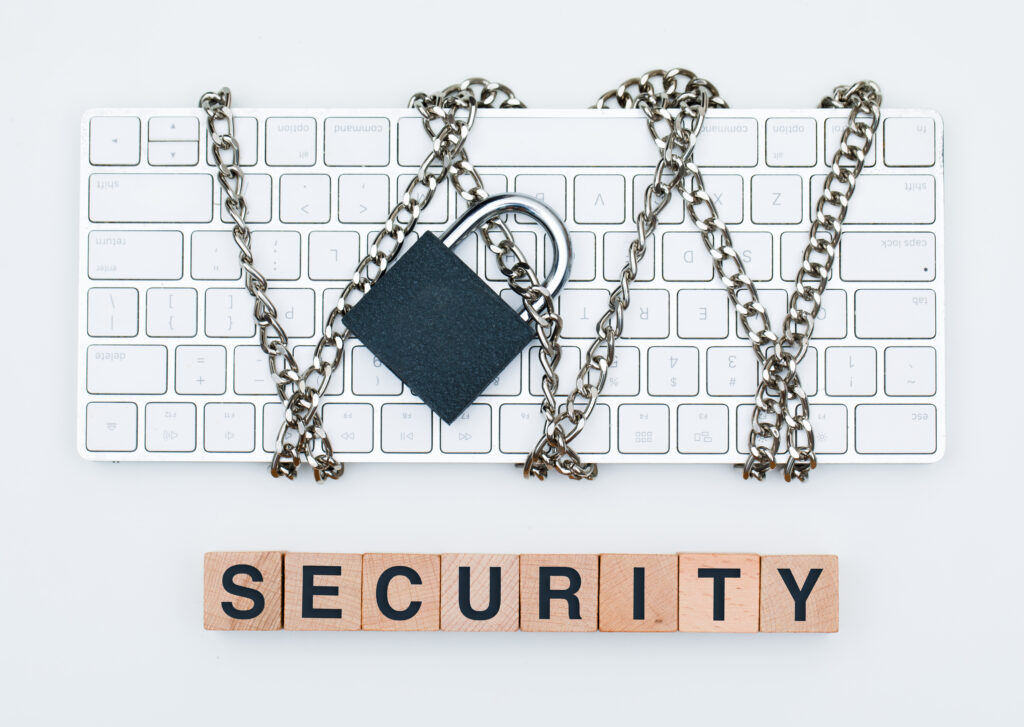
What Makes a Password Weak
Most password breaches don’t come from a hacker guessing character by character — they come from patterns attackers already know to try: dictionary words, names, birthdays, keyboard patterns like “qwerty123,” and passwords reused from other accounts. Short passwords are also increasingly easy to crack through automated tools that can test billions of combinations. The two habits that cause the most damage are reusing the same password across multiple accounts and choosing something easy to remember because it’s also easy to guess.
What a Strong Business Password Policy Looks Like
- Length over complexity — a long passphrase (four or more unrelated words) is generally harder to crack than a short, forced mix of symbols and numbers, and easier for employees to actually remember.
- Unique passwords per account — no password should be reused between business systems, and never between business and personal accounts.
- No shared logins — each employee should have their own credentials for every business system, so access can be tracked and revoked individually when someone leaves.
- Multi-Factor Authentication wherever it’s available — a strong password matters, but pairing it with MFA closes off most account-takeover attempts even if a password is stolen. See our guide to MFA for small businesses for how to set it up.
- A documented offboarding process — passwords and access should be revoked promptly when an employee leaves the company.
The National Institute of Standards and Technology (NIST) digital identity guidelines reflect this: they emphasize length over forced complexity, and recommend against requiring periodic password changes without a specific reason (like a known compromise), since forced rotation tends to push people toward weaker, more predictable passwords. A passphrase built from several unrelated words — long, memorable, and not tied to anything publicly known about you or your business — is generally a better foundation than a short password stuffed with substituted symbols.
Why Password Managers Matter for a Business
Asking employees to memorize dozens of unique, long passwords isn’t realistic, which is why most weak-password problems are really a memory problem in disguise. A business password manager solves this by generating strong, unique passwords for every account and storing them in an encrypted vault, so employees only need to remember one master credential (ideally protected with MFA itself). Business-oriented password managers also let an administrator securely share specific credentials with employees who need them, without ever exposing the actual password, and immediately revoke access when someone changes roles or leaves.
When evaluating a password manager for your business, look for encrypted storage, centralized administration for your IT provider or office manager, secure credential sharing, and audit logs showing who accessed what and when.
Common Password Mistakes Businesses Still Make
- Writing passwords on sticky notes or in unencrypted spreadsheets
- Sharing one login among an entire team for convenience
- Never rotating a password after it may have been exposed in a breach
- Assuming a complex password alone is enough, without adding MFA
- Leaving former employees’ accounts active after they leave
How MRTECH Can Help
MRTECH Computer Support helps small businesses put practical password and access-security policies in place as part of our cybersecurity and Managed IT Services, including guidance on business password managers and rolling out Multi-Factor Authentication across your accounts. Strong passwords are one part of a layered defense, not a guarantee on their own.
Not sure how your current password practices stack up? Contact MRTECH Computer Support to talk through practical next steps for your business.
Not sure where your business stands on IT risk?
Get a free, no-pressure look at your technology and security posture.
Get Your Free IT Security Assessment